
Upload your purchase invoices and get a ready accounting report
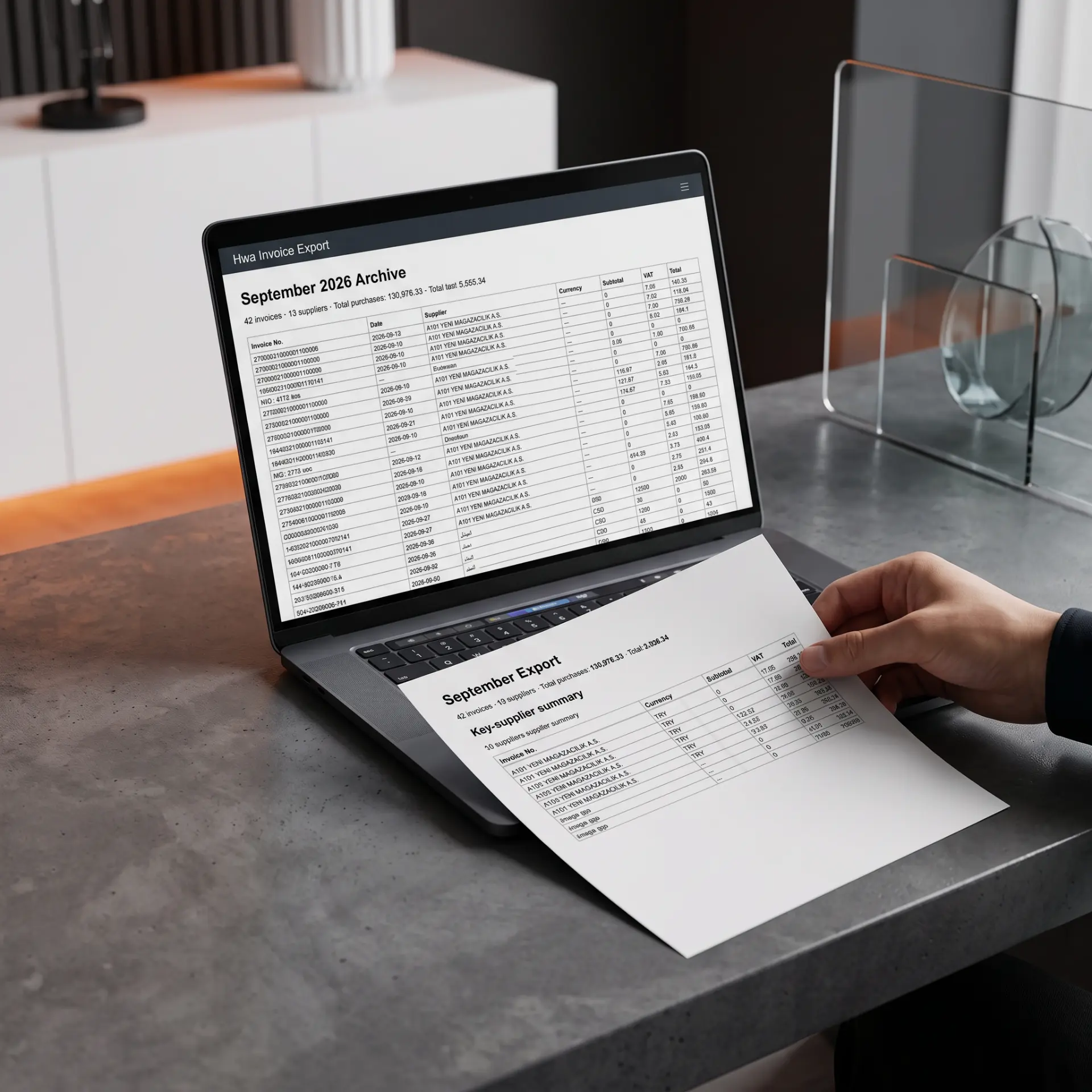
Daftar reads your invoices with AI, extracts suppliers, products and prices, validates the math, and calculates tax and totals — then exports to Excel, CSV or PDF.
Try 2 invoices free without an account · Free account = 5 invoices/month · Pro = 1000 invoices/month.

Printed & handwritten
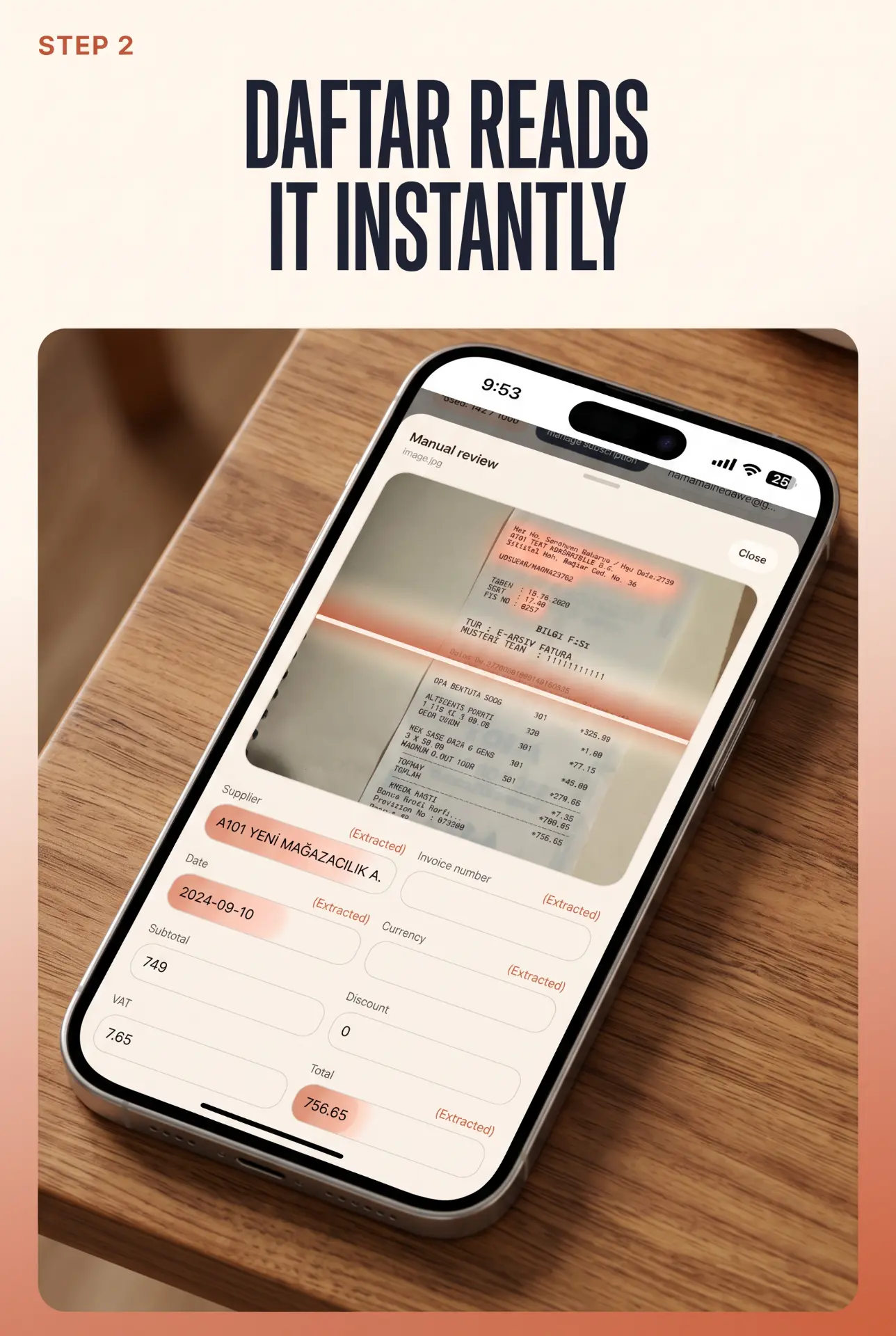
AI/OCR reads both printed and handwritten invoices and extracts every field.
Full extraction
Supplier, invoice number, date, products, quantity, price, discount, VAT, total.
Arithmetic checks
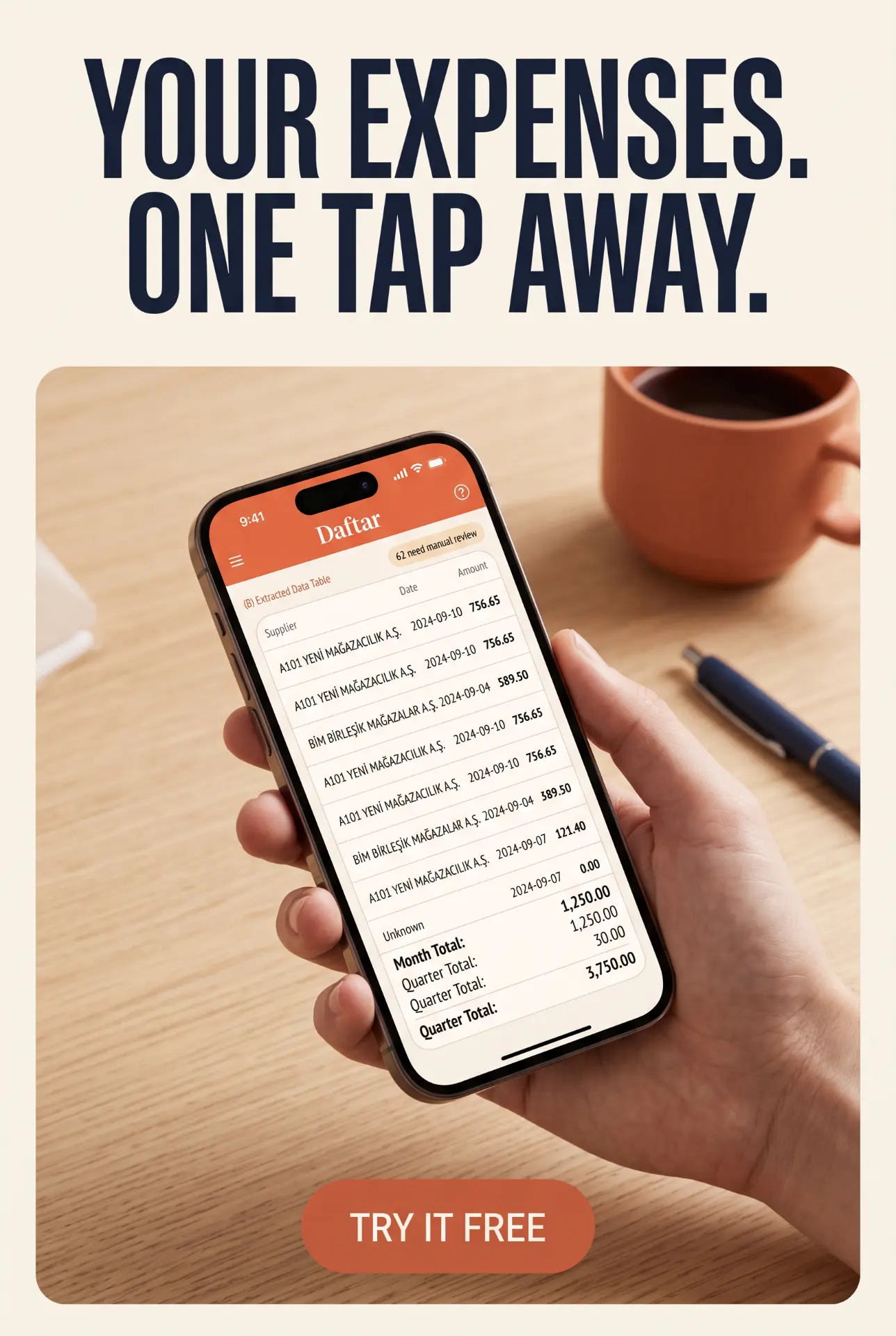
Compares line totals with net and tax, and flags invoices needing review.
Ready reports
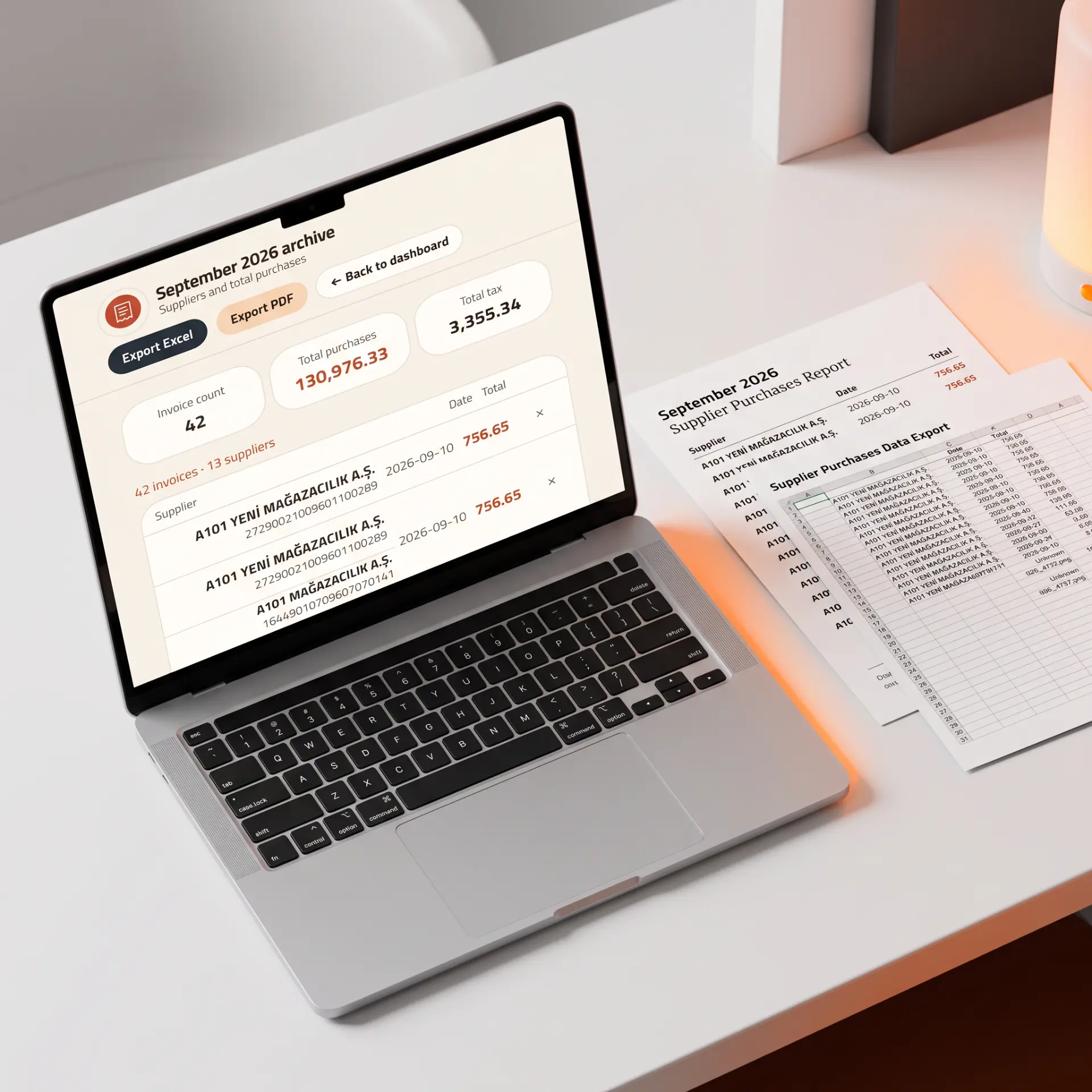
Excel export with Invoices and Items sheets, plus CSV and PDF.
Create an invoice
Create professional invoices, manage your stock and follow your sales from one place. Add your logo, your company name and your currency, then pick the template and font that suit you. Type a product name and it appears automatically from your stock with its price; follow available and sold quantities, stock value and status. If the requested quantity is larger than what is available, an alert prevents the invoice from being exported. When you download the invoice as a PDF, it is added automatically to your sales, so you can easily follow your daily, monthly and yearly sales totals.
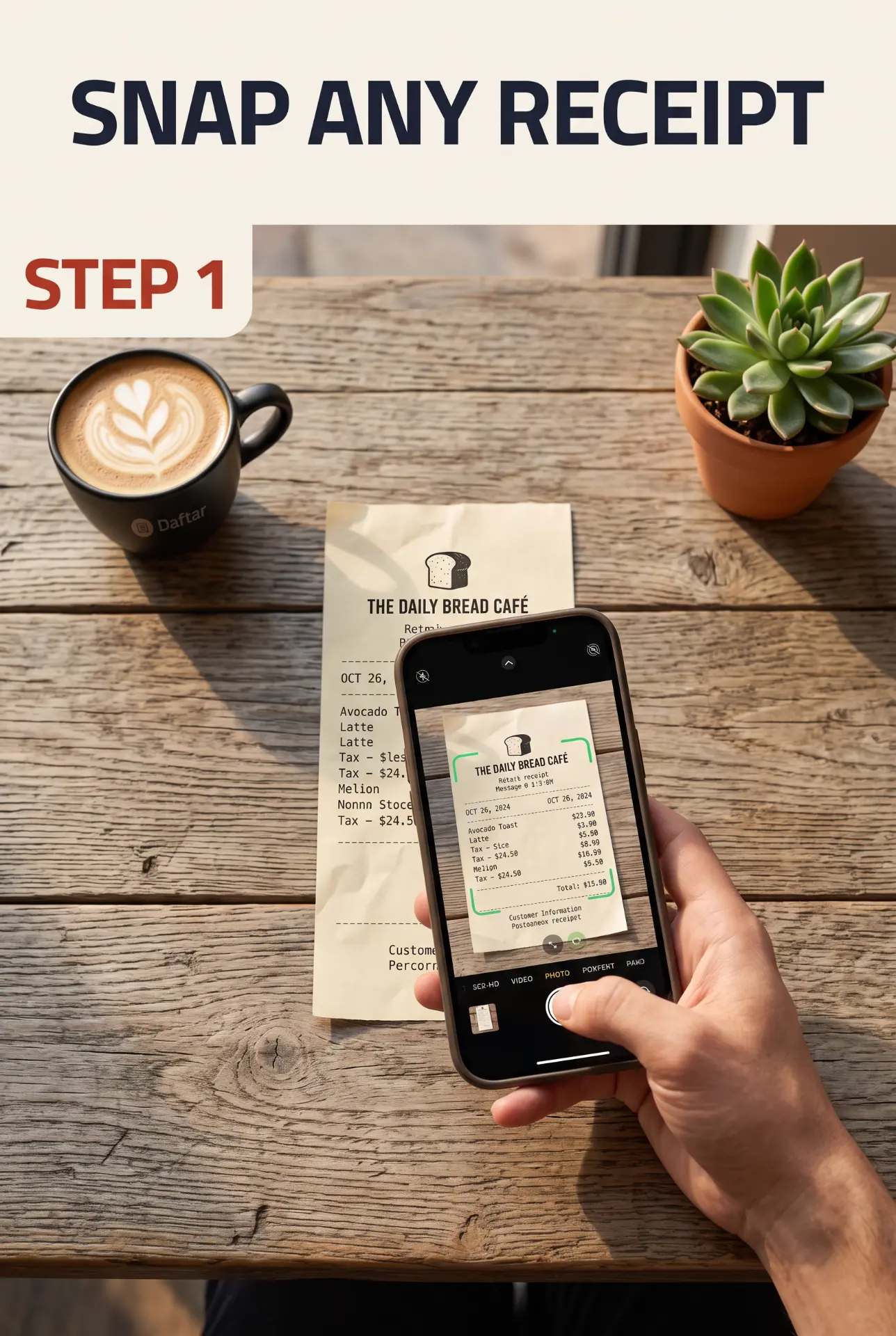
- 1 — Upload invoices (images or PDF), any amount.
- 2 — AI reads them and extracts the data.
- 3 — Arithmetic validation and review flags.
- 4 — An exportable report with totals and taxes.